Automate check-in, payments, access, ticketing, and other repetitive reception operations. The solution reduces pressure on staff, better organizes revenue collection, and provides customers with a clearer, faster, and more autonomous flow.
With over 16 years of experience, 25,000+ kiosks installed, and projects delivered in 28 countries, we combine in-house production capacity with fast integration and full technical support.
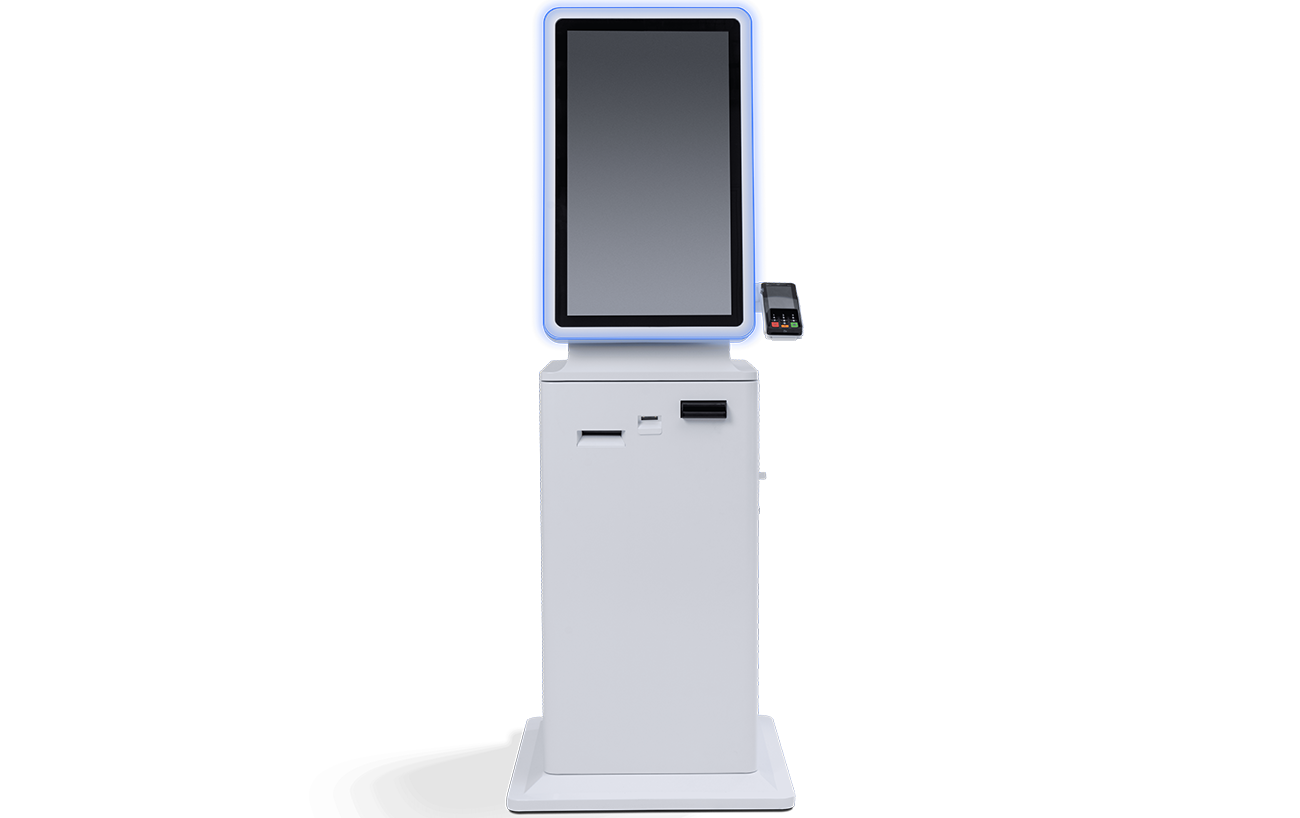
Easy 27 Cash In / Out
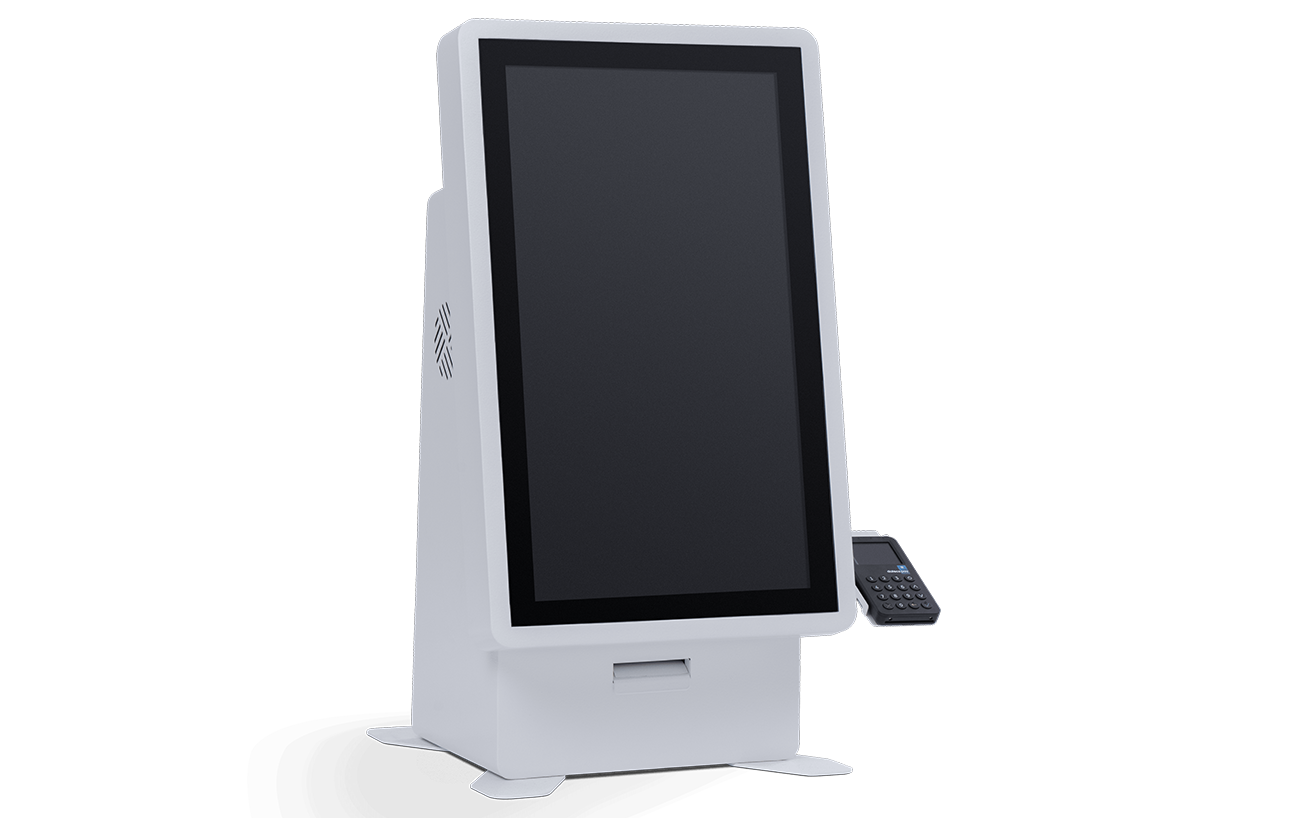
A 27″ version with cash and card payment, suitable for locations where cash remains important in the daily flow.
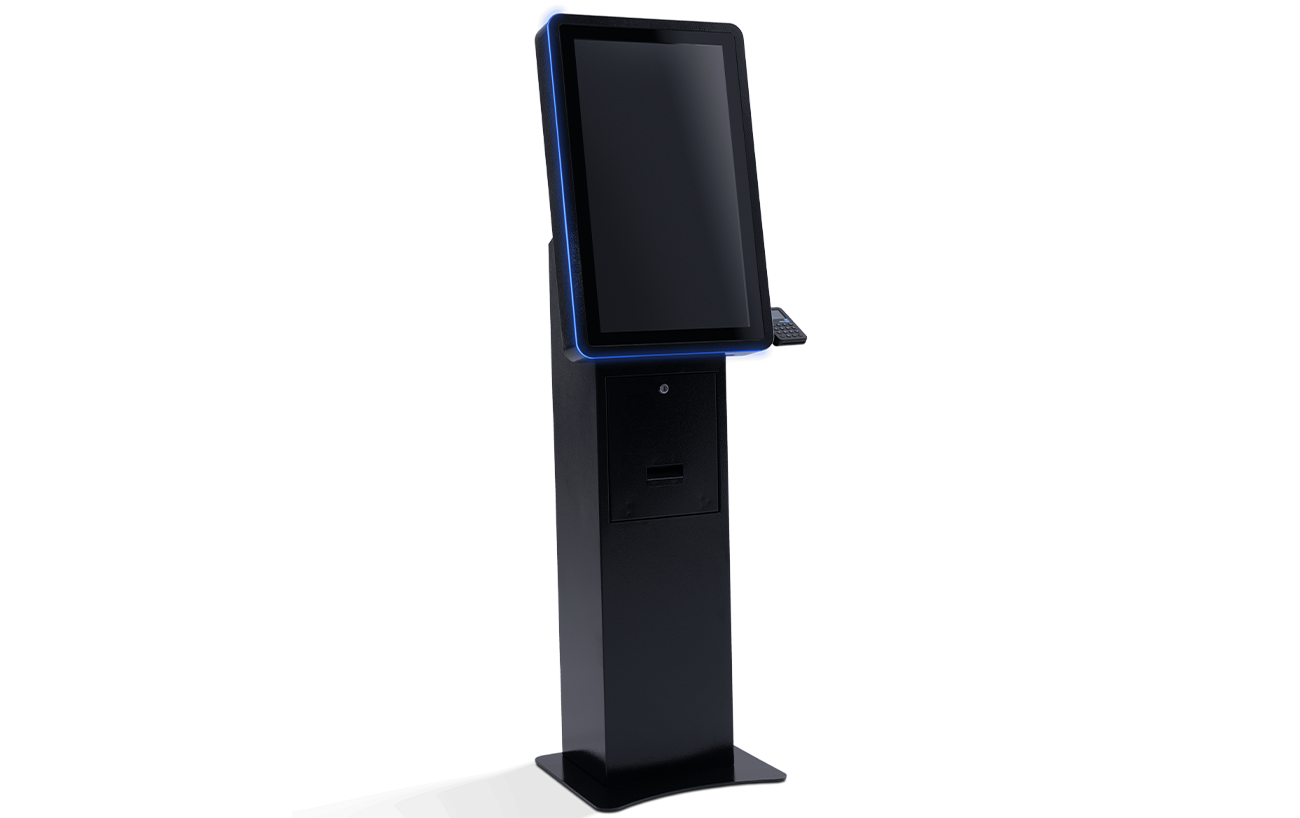
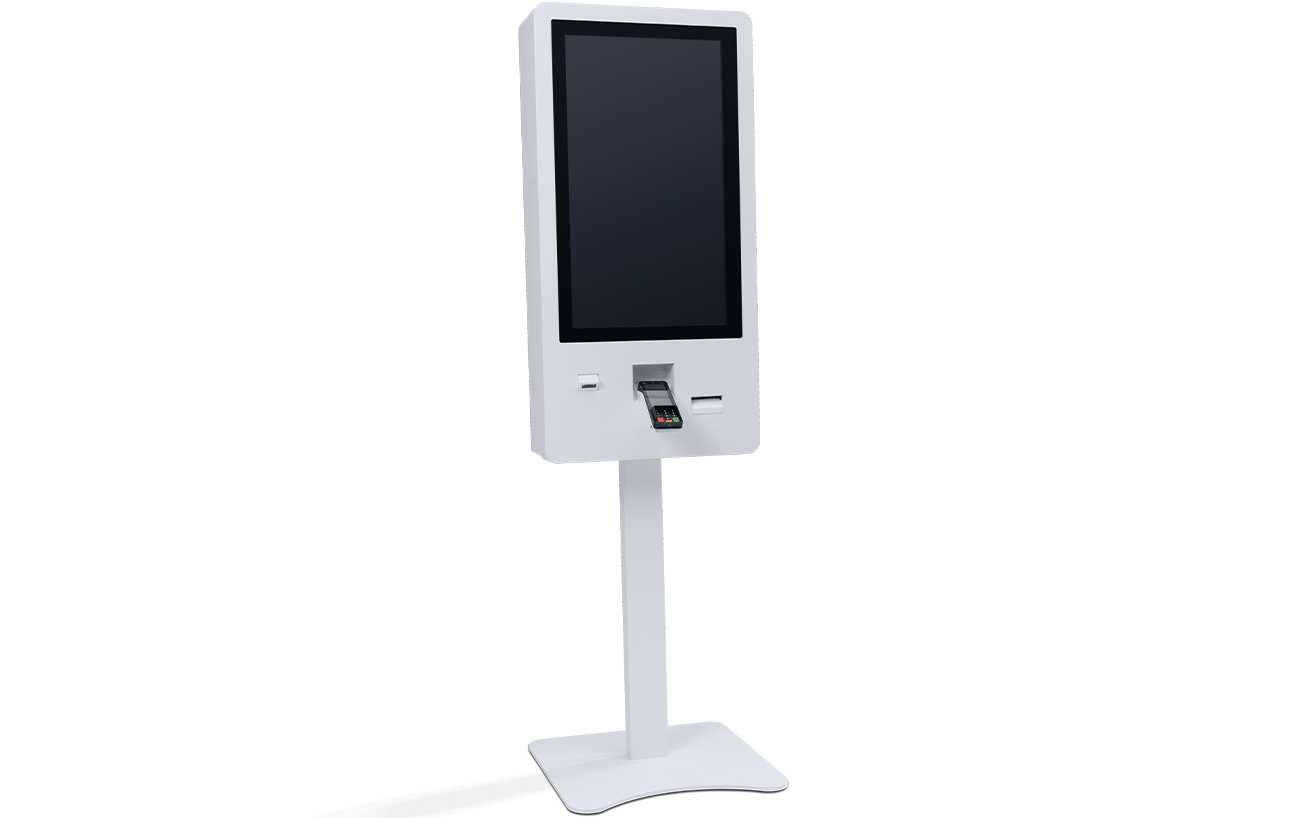
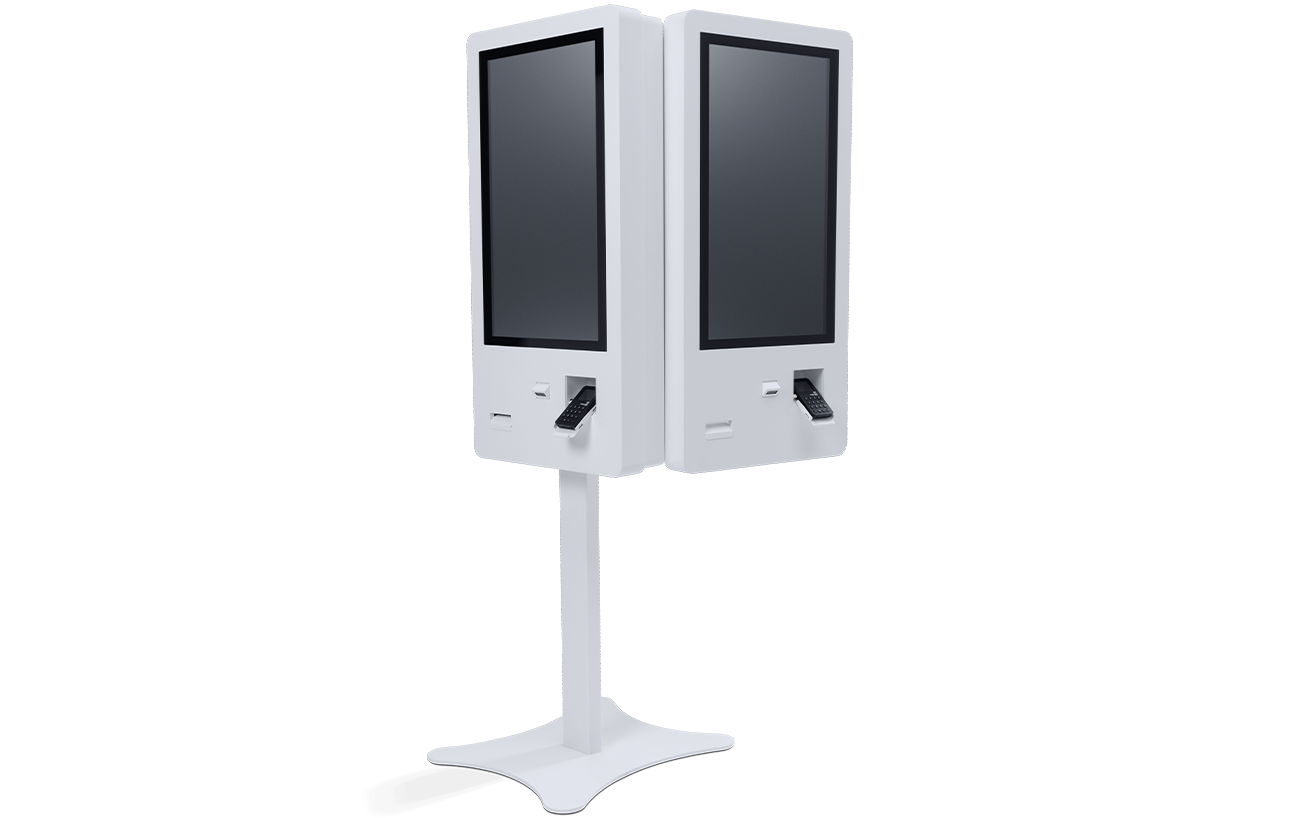
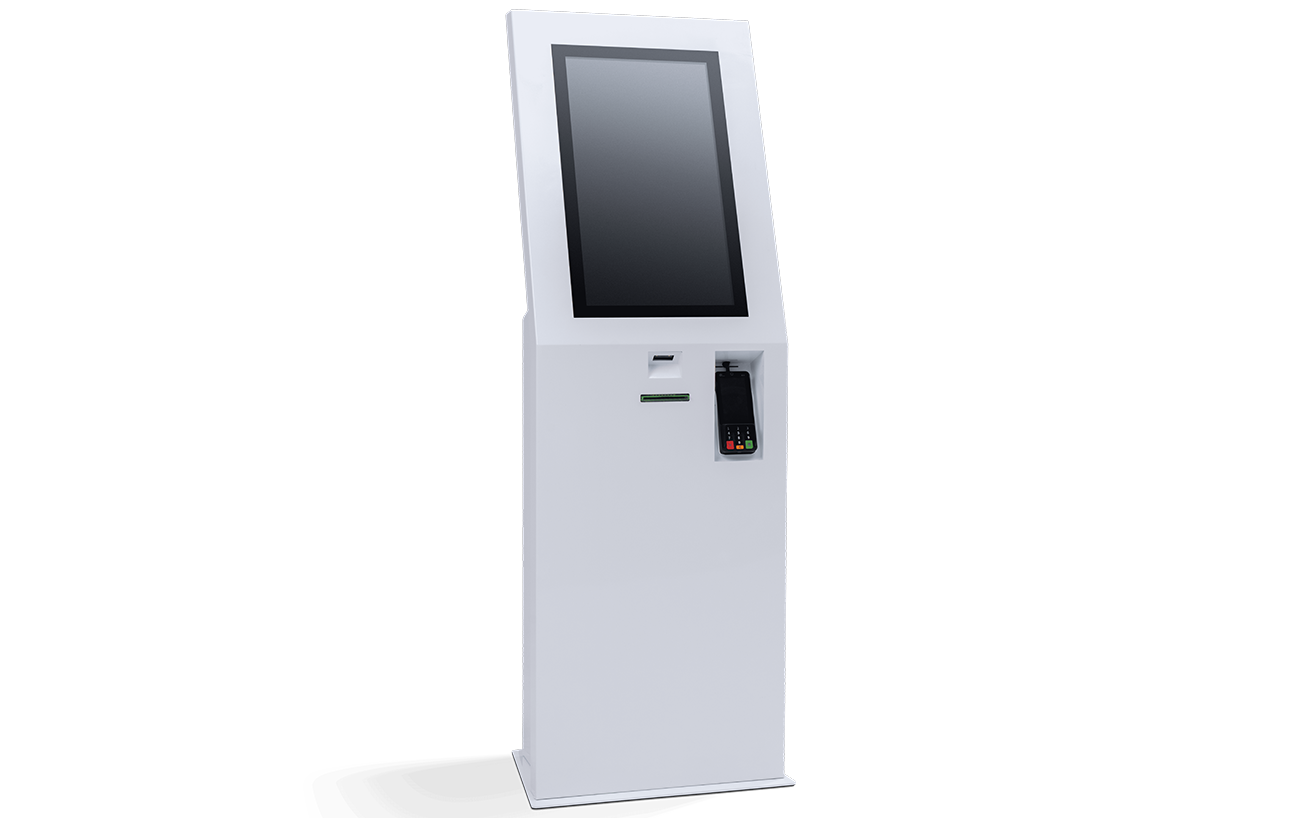
Self-service kiosk with a large 32” screen, designed for maximum visibility and intuitive interaction. It processes check-in/out and card payments and allows flexible mounting: in-wall, in-furniture, or on a stand.
SKKIN is an express facial treatment salon in Bucharest, designed from its opening without a traditional reception. The operating model aimed for a fast, premium, and easily scalable experience, with extended hours and a continuous flow of customers.
Challenge
A traditional reception would have added fixed costs, waiting times, and dependence on staff for repetitive operations. A clear process was needed for service selection, payment, and managing customer order, without bottlenecks at the front-desk.
Implemented Solution
EasyPay implemented a self-service kiosk with cash and card payment, integrated into the salon’s intake flow. The customer chooses their treatment, can add products, pays directly at the kiosk, and receives a receipt + queue number. The number is displayed on a waiting screen, and the customer proceeds to treatment when it’s their turn.
Result
SKKIN operates without a traditional reception, in a coherent and easily manageable flow. The solution supports the “fast & premium” positioning, reduces operational pressure at the front-desk, and provides complete traceability of transactions. The model allows centralized administration and creates a solid foundation for expansion into future locations.
Kiosk Solutions
Why EasyPay
With over 16 years of experience, 25,000+ kiosks installed, and projects delivered in 28 countries, we combine in-house production capacity with fast integration and full technical support.
01.
Card & Cash
Full payment automation, with card and cash options, banknote validation, change dispensing, and fiscal receipt issuance.
02.
Flow adapted to location
Digital reception is configured according to the type of business, customer flow, services offered, and the team’s working method.
03.
Operational Integration
The solution can be connected with the management system, cash register, payment processor, access systems, or other platforms necessary for the project.
04.
Operational control
Transactions and operations can be tracked more clearly, for reports by service, shift, payment method, or work point.
05.
Complete Implementation
EasyPay covers configuration, installation, testing, team training, and the support needed for launch.
06.
Ongoing Support
We provide service, maintenance, and technical assistance for stable operation after implementation.
With over 16 years of experience, 25,000+ kiosks installed, and projects delivered in 28 countries, we combine in-house production capacity with fast integration and full technical support.
It is a self-service kiosk that takes over repetitive reception operations: check-in, payments, receipt issuance, ticketing, access, information, feedback, or service confirmation.
The solution is suitable for beauty salons, aesthetic clinics, spas, wellness centers, fitness gyms, sports centers, entertainment venues, museums, cultural centers, and other locations with reception.
Yes. The solution can be connected with the management system, appointments, access, cash register, payment processor, or other platforms necessary for operation.
To provide the best experiences, we use technologies like cookies to store and/or access device information. Consenting to these technologies will allow us to process data such as browsing behavior or unique IDs on this site. Not consenting or withdrawing consent may adversely affect certain features and functions.
Functional
Always active
The technical storage or access is strictly necessary for the legitimate purpose of enabling the use of a specific service explicitly requested by the subscriber or user, or for the sole purpose of carrying out the transmission of a communication over an electronic communications network.
Preferințe
Stocarea tehnică sau accesul este necesară în scop legitim pentru stocarea preferințelor care nu sunt cerute de abonat sau utilizator.
Statistics
Stocarea tehnică sau accesul care sunt utilizate exclusiv în scopuri statistice.The technical storage or access that is used exclusively for anonymous statistical purposes. Without a subpoena, voluntary compliance on the part of your Internet Service Provider, or additional records from a third party, information stored or retrieved for this purpose alone cannot usually be used to identify you.
Marketing
The technical storage or access is required to create user profiles to send advertising, or to track the user on a website or across several websites for similar marketing purposes.