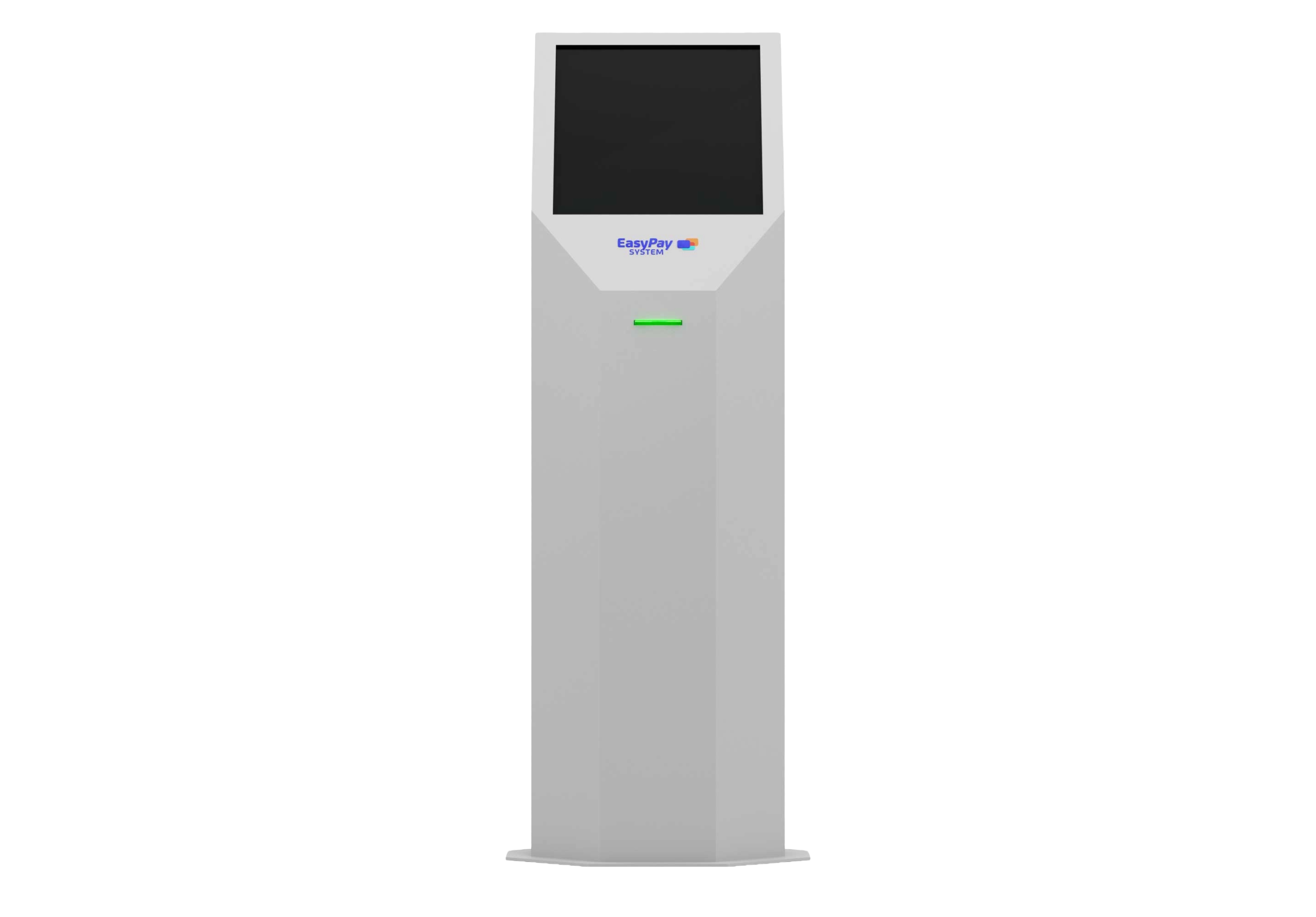
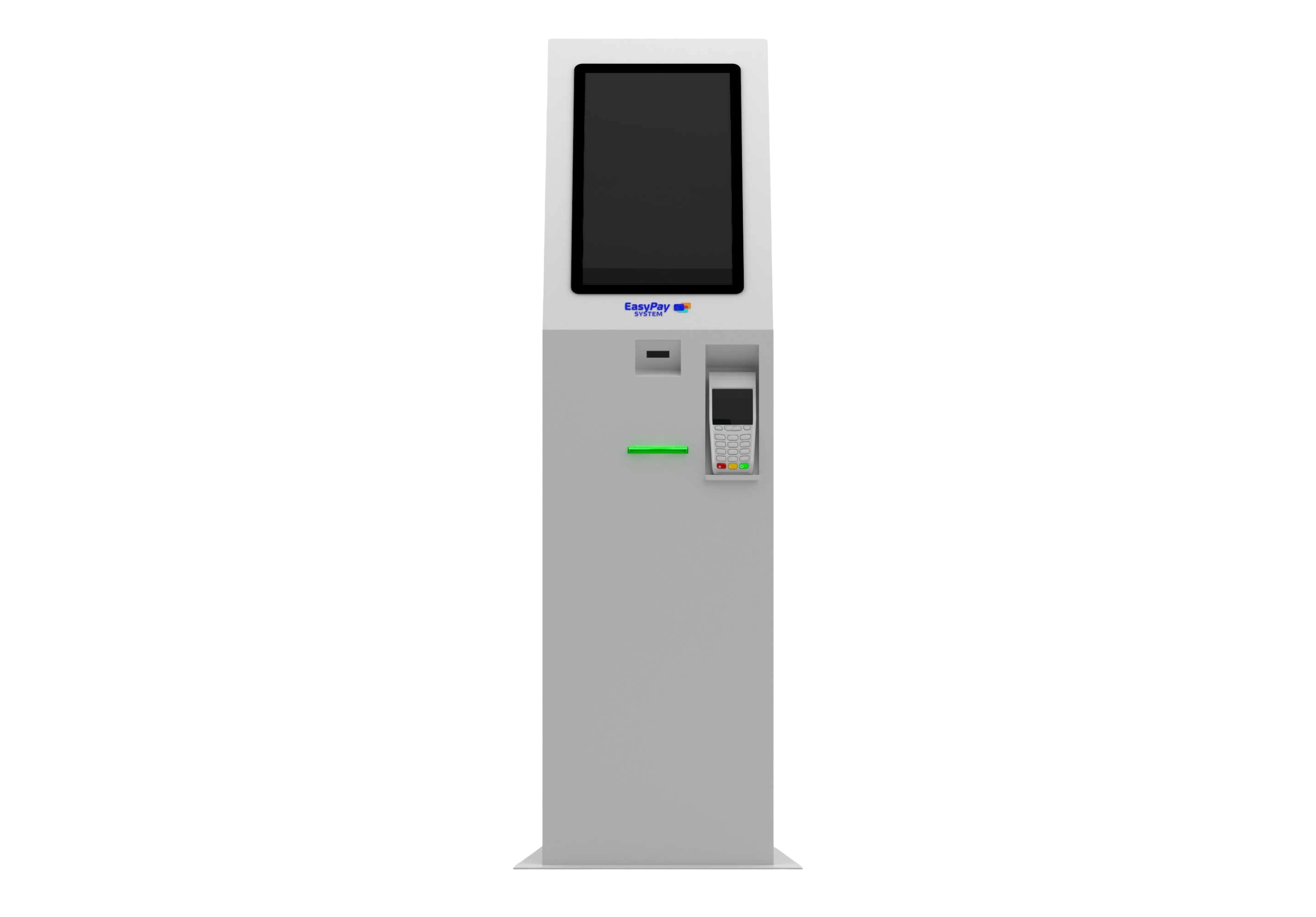
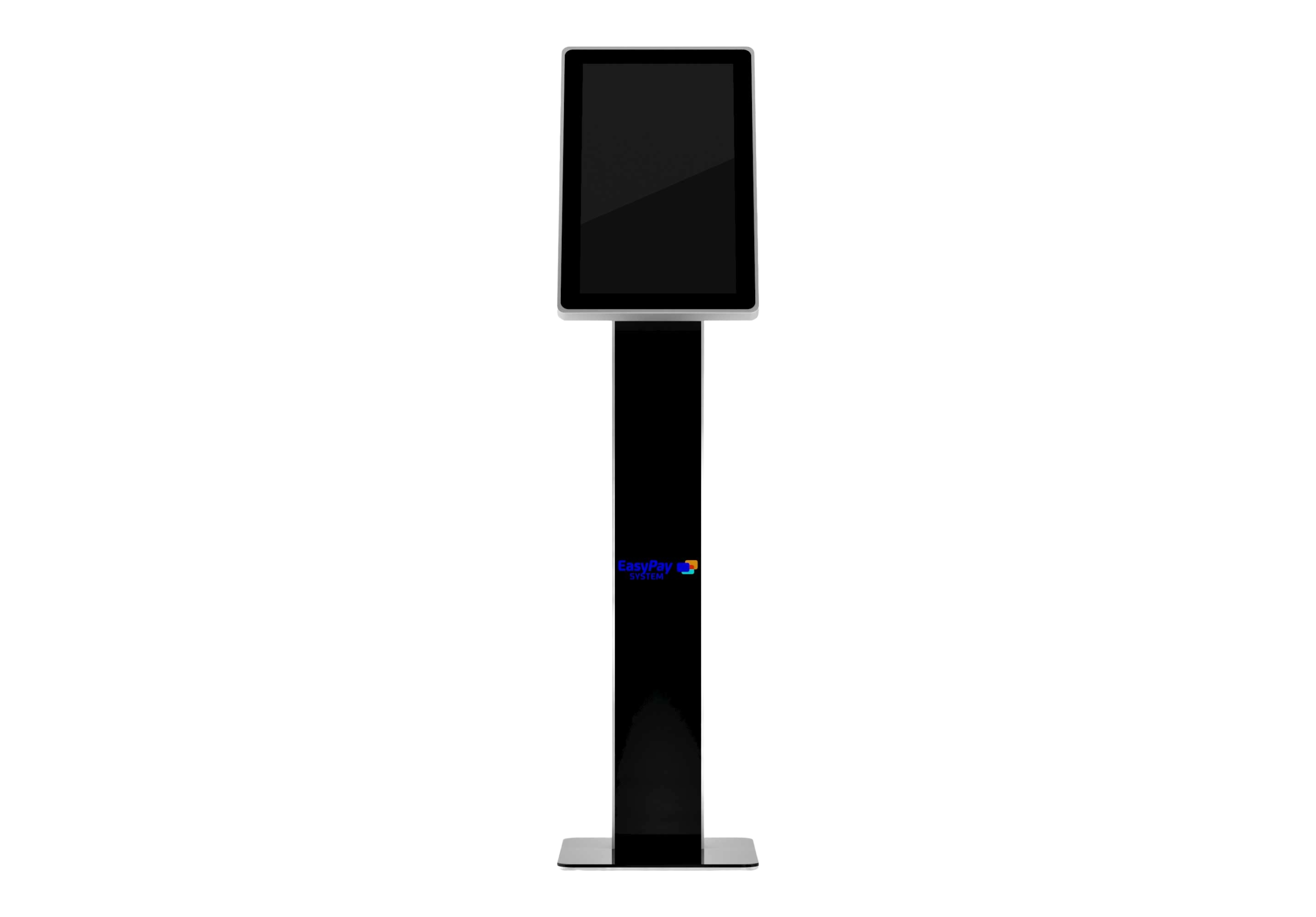
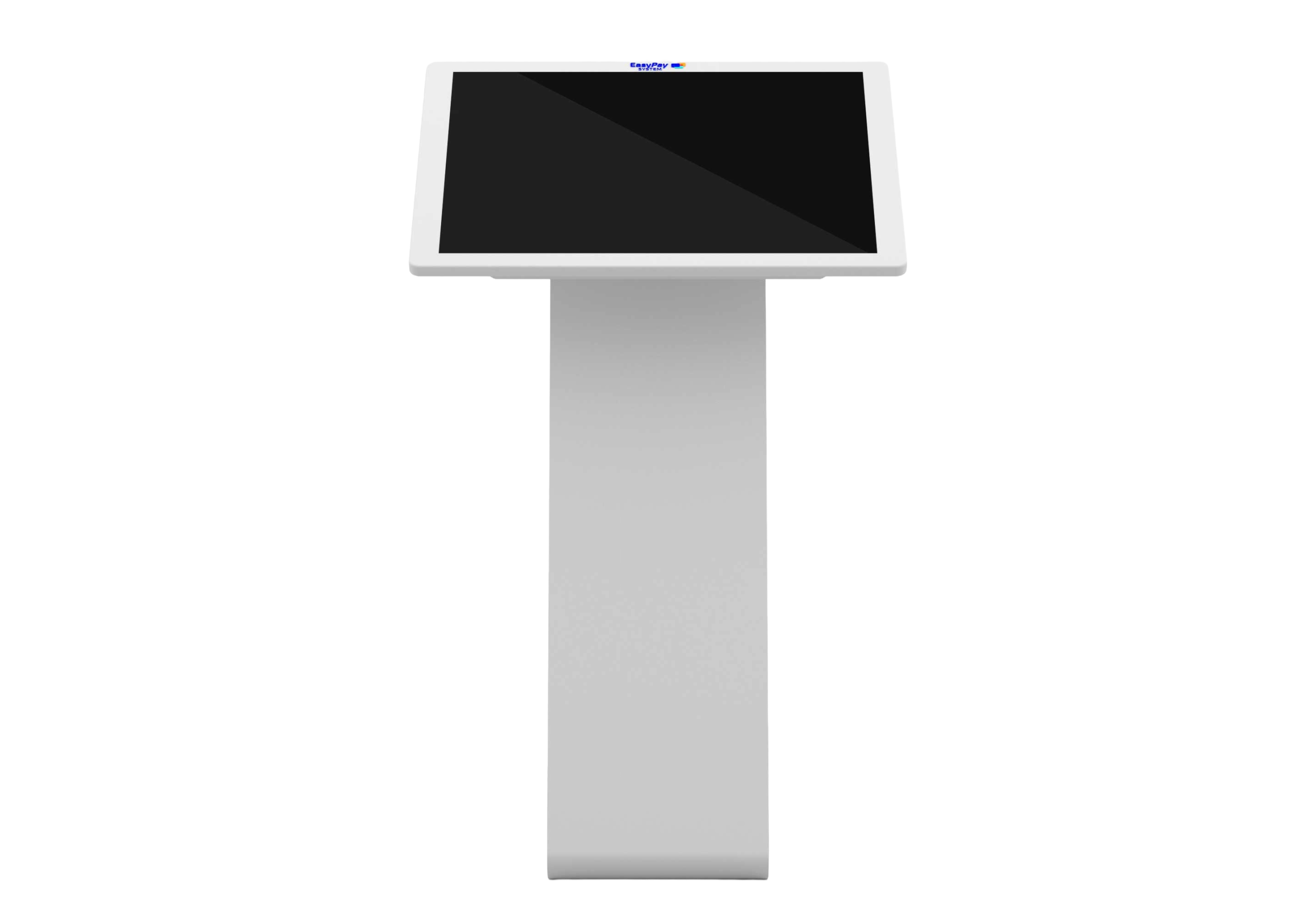
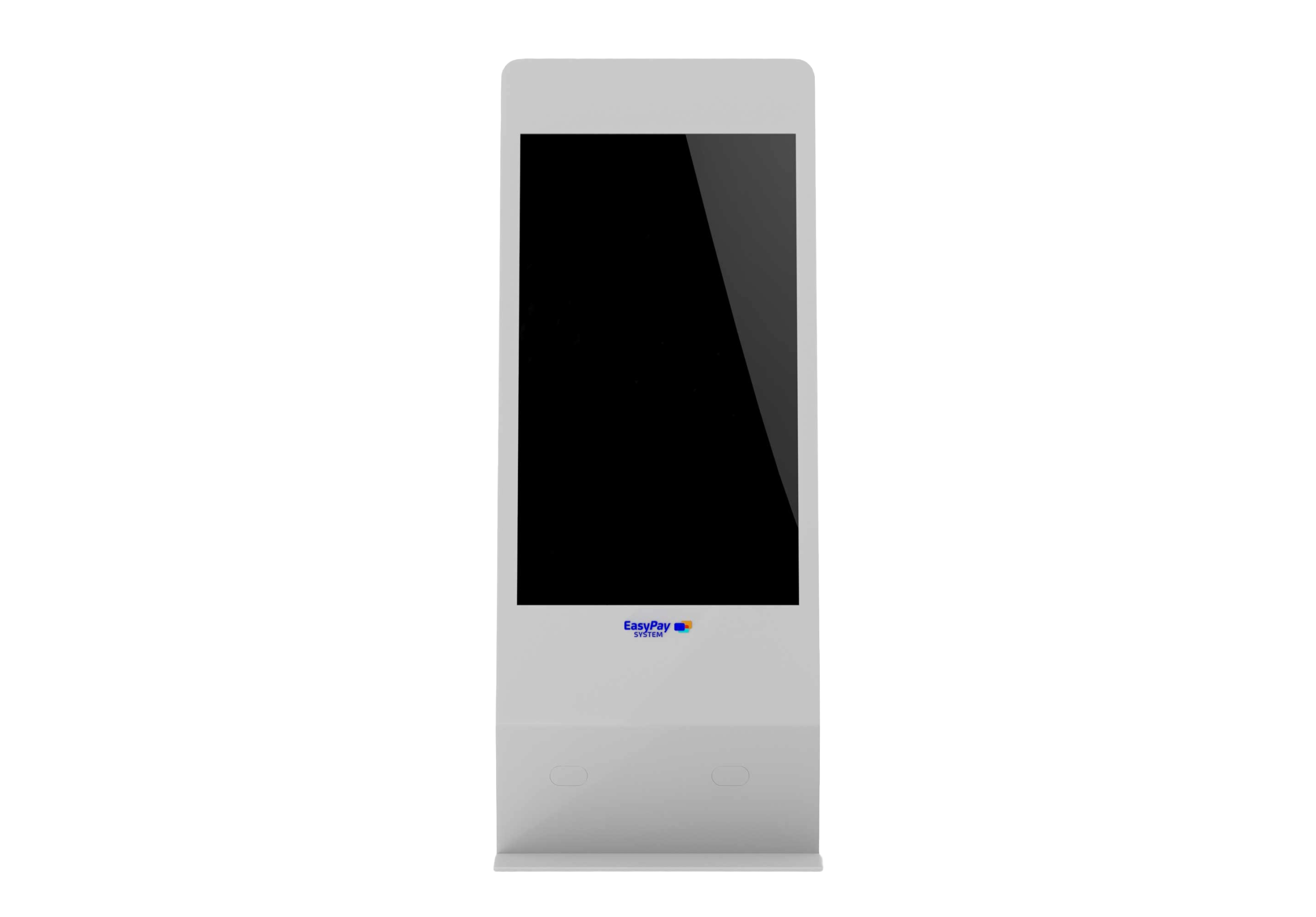
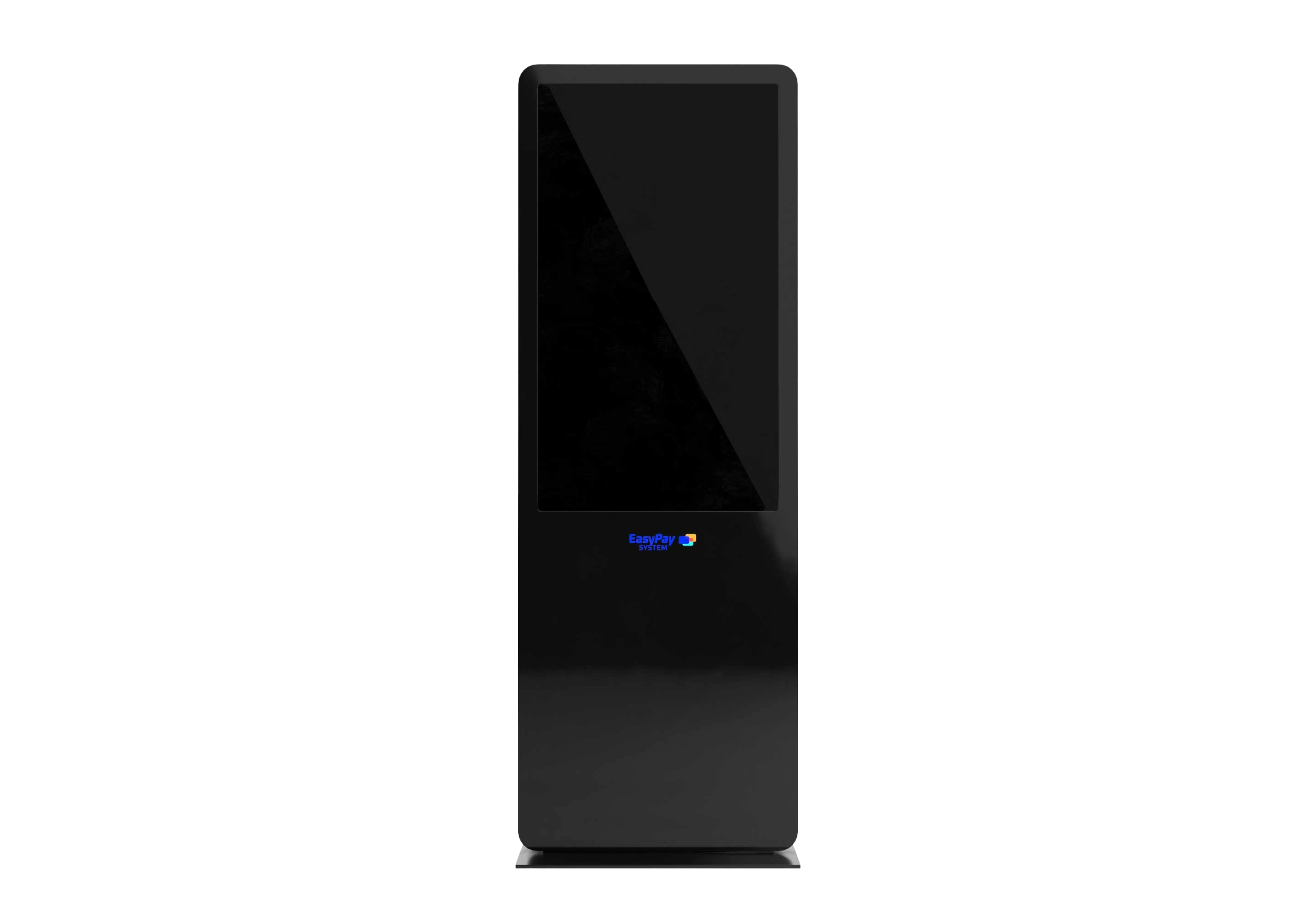
Provides information, guidance, promotions, and on-demand services, directly on-site. Easy Info Kiosk solutions help visitors quickly find what they are looking for, reduce staff workload, and transform interaction points into useful and easily manageable digital spaces.
With over 16 years of experience, 25,000+ kiosks installed, and projects delivered in 28 countries, we combine in-house production capacity with fast integration and full technical support.
Easy InfoKiosk 1
Info kiosk for displaying on-demand information and digital services, suitable for locations that need an interactive information point.
With over 16 years of experience, 25,000+ kiosks installed, and projects delivered in 28 countries, we combine in-house production capacity with fast integration and full technical support.
01.
Configuration adapted to the location
The model, size, and functionalities are chosen based on space, traffic, and purpose of use.
02.
Easy-to-update content
Displayed information and messages can be changed quickly, according to the location’s needs.
03.
Customizable functions
The solution can include display, scanning, forms, feedback, guidance, or other functions required for the project.
04.
In-House Production
We have better control over configuration, quality, and delivery times.
05.
Complete Implementation
EasyPay covers configuration, installation, testing, training, and post-launch support.
06.
Ongoing Support
We provide service, maintenance, and technical assistance for stable operation.
With over 16 years of experience, 25,000+ kiosks installed, and projects delivered in 28 countries, we combine in-house production capacity with fast integration and full technical support.
It is suitable for shopping centers, institutions, clinics, museums, cultural spaces, transport areas, retail, HoReCa, fitness, beauty, and other locations with public traffic.
Information can be displayed locally, depending on the project configuration. For updates, administration, or integration with external systems, a stable connection is recommended.
Request a quote for your location
Fill in the form to receive a customized quote and to start your self-service automation project.
Haven’t found the right solution?
Describe your scenario. We will configure a tailored self-service solution.
To provide the best experiences, we use technologies like cookies to store and/or access device information. Consenting to these technologies will allow us to process data such as browsing behavior or unique IDs on this site. Not consenting or withdrawing consent may adversely affect certain features and functions.
Functional
Always active
The technical storage or access is strictly necessary for the legitimate purpose of enabling the use of a specific service explicitly requested by the subscriber or user, or for the sole purpose of carrying out the transmission of a communication over an electronic communications network.
Preferințe
Stocarea tehnică sau accesul este necesară în scop legitim pentru stocarea preferințelor care nu sunt cerute de abonat sau utilizator.
Statistics
Stocarea tehnică sau accesul care sunt utilizate exclusiv în scopuri statistice.The technical storage or access that is used exclusively for anonymous statistical purposes. Without a subpoena, voluntary compliance on the part of your Internet Service Provider, or additional records from a third party, information stored or retrieved for this purpose alone cannot usually be used to identify you.
Marketing
The technical storage or access is required to create user profiles to send advertising, or to track the user on a website or across several websites for similar marketing purposes.